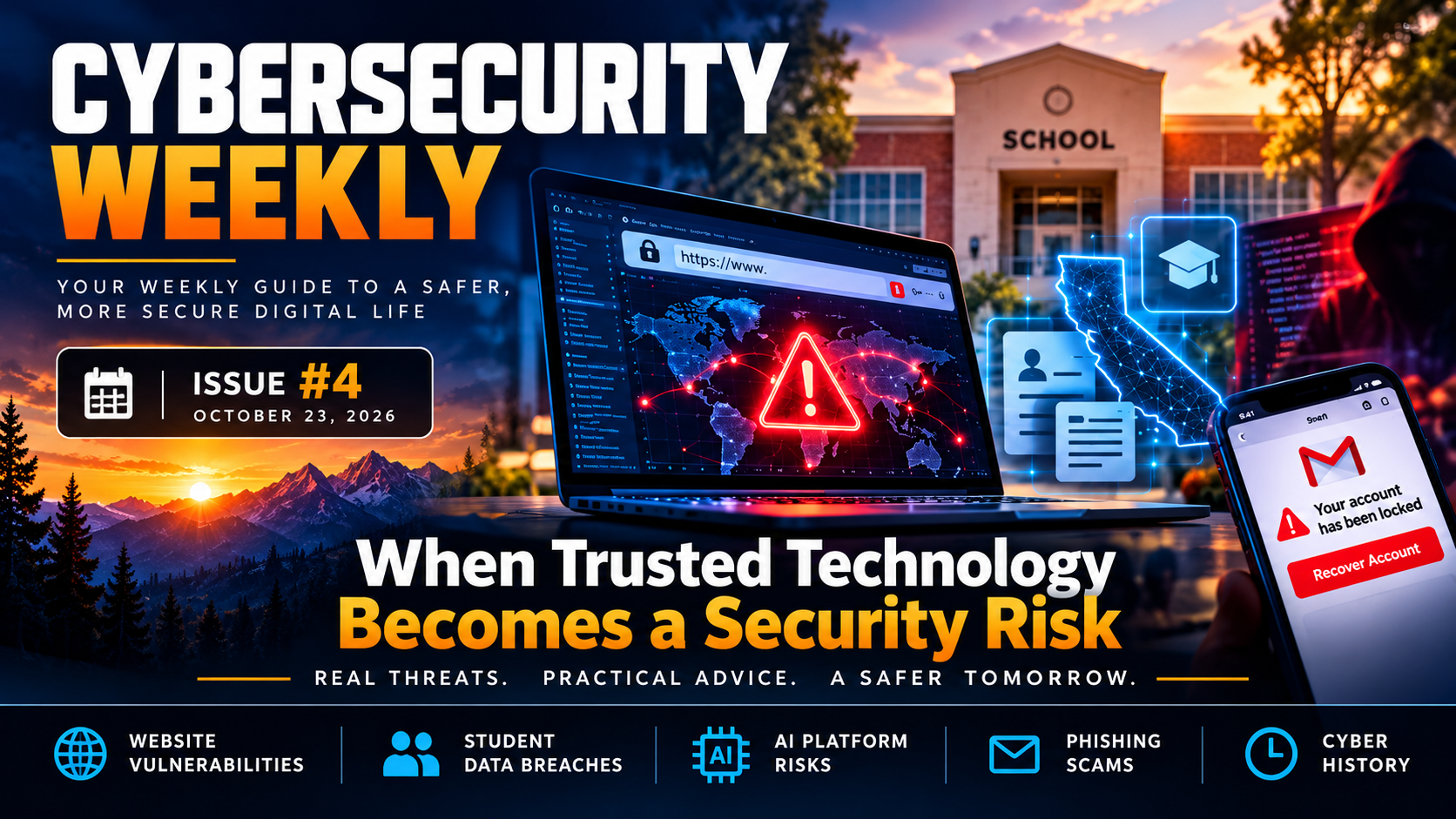
🔐 Cybersecurity Weekly | Issue #4 Friday, October 23, 2026 When Trusted Technology Becomes a Security Risk
Mike M. — Technical Support Specialist
A critical flaw threatens websites worldwide. Millions of California student records are exposed. An AI coding service suffers a security breach.
This week's cybersecurity news reveals a common concern: even when we take precautions to protect our devices and accounts, the services we rely on can still become targets.
Here's what happened, why it matters, and what you can do to stay safer online.
🌐 Critical Security Flaws Put Websites Worldwide on Alert
Two critical vulnerabilities discovered in PHP, a programming language used by a large portion of the internet, prompted emergency security updates on October 21.
The flaws, known collectively as PHP2Shell , could allow attackers to gain unauthorized control of vulnerable web servers.
Some organizations temporarily took websites offline while applying security fixes. Researchers have also observed attempts to exploit the vulnerabilities.
Interestingly, artificial intelligence helped security researchers uncover these longstanding weaknesses, demonstrating how AI can strengthen cybersecurity defenses while also raising concerns about how quickly attackers might exploit newly discovered flaws.
Why it matters: A website can become compromised even when its visitors have done nothing wrong. Attackers who gain access to a server may be able to steal information, alter content, or disrupt services.
What you can do:
Use unique passwords and enable multifactor authentication.
Be cautious of unexpected security warnings claiming your account is at risk.
Keep your browser and devices updated.
Remember that website owners are responsible for patching their servers. Your own updates cannot fix their vulnerabilities.
Learn more: Associated Press: Critical PHP Security Flaws
🎓 Millions of California Student Records Exposed in Data Breach
The California Department of Education announced a security incident involving Educational Testing Service (ETS), a contractor responsible for processing student assessment information.
An unauthorized individual used compromised credentials to access and copy files containing information about current and former California students.
The exposed information may include names, birth dates, addresses, school information, and disability-related details.
Officials reported that Social Security numbers, financial information, and passwords were not included in the affected data.
Why it matters: Personal information can be exploited for identity theft, impersonation, or targeted scams. Children are especially vulnerable because misuse of their information may go unnoticed for years.
What you can do:
Watch for official breach notifications from ETS.
Take advantage of identity-protection services offered to affected families.
Verify unexpected school-related messages directly with the school or district.
Consider freezing a child's credit if there are concerns about identity theft.
Learn more: California Department of Education: ETS Security Incident
🤖 AI Coding Platform Breach Highlights Third-Party Security Risks
OpenCode, an AI-assisted coding platform, disclosed a security incident affecting approximately 1.4% of users of its online Console service.
The incident involved an older system and affected users who stored credentials for accessing external AI services.
Attackers reportedly used compromised access to generate unauthorized activity and charges on affected AI accounts.
Why it matters: Applications increasingly connect to other services on our behalf. These connections can be convenient, but they also create additional security risks if a service becomes compromised.
What you can do:
Review applications connected to your online accounts.
Remove permissions for services you no longer use.
Avoid giving applications more access than necessary.
Watch for unfamiliar account activity or unexpected charges.
Learn more: TechCrunch: OpenCode Security Breach
📩 Security Tip: Don't Let Fake Account Warnings Fool You
Imagine receiving an email claiming your Google account has been locked and your photos will be permanently deleted unless you act immediately.
Messages like these are a common phishing tactic. Scammers impersonate trusted companies and create a sense of urgency to pressure recipients into clicking links or sharing credentials.
Before responding to an account warning:
Examine the sender's email address, not just the display name.
Be suspicious of threats demanding immediate action.
Open the company's official app or website directly instead of clicking the email link.
Never provide passwords or verification codes through an unexpected message.
Remember: A convincing logo and an urgent warning don't make an email legitimate.
✅ This Week's Cybersecurity Checklist
✅Check that automatic updates are enabled on your devices.
✅Review connected applications and remove unnecessary permissions.
✅Verify unexpected account warnings through official websites.
✅Check whether your family may be affected by the California student data breach.
✅Share a phishing-awareness tip with someone who may not recognize these scams.
🕰️ This Week in Cyber History: 25 Years of Windows XP
October 25, 2001
Twenty-five years ago, Microsoft released Windows XP, one of the most recognizable operating systems in personal computing history.
With its familiar green Start button, blue taskbar, and rolling-hills wallpaper, Windows XP helped introduce millions of people to a new generation of home computing.
But its history also provides an important cybersecurity lesson.
Windows XP eventually reached the end of mainstream security support, leaving computers that continued using it increasingly vulnerable to newly discovered threats.
The lesson: Technology can continue functioning long after it stops receiving security updates. An older device may still work perfectly, but unsupported software can create serious security risks.
Learn more: Computer History Museum: Windows XP
🔐 Cybersecurity Awareness Is a Year-Round Responsibility
As Cybersecurity Awareness Month comes to an end, one message stands out: protecting ourselves online isn't a one-time task.
Cybersecurity doesn't require everyone to become a technical expert. It begins with understanding common risks, recognizing suspicious activity, keeping our technology updated, and making informed decisions about the services we trust.
Small actions today can help prevent bigger problems tomorrow.
Real threats. Practical advice. A safer tomorrow. 🔐
9 reactions · 2 comments
Comments
Mike M.: I'll be adding these cybersecurity flyers to my previous newsletter editions as handy, printable references! 🔐 Feel free to save or share them with anyone who might find the information useful.
Schomer: Great write-up, Mike! This issue highlights exactly why traditional application security running high up the software stack is no longer sufficient. When core components like PHP face decade-old memory flaws, or AI infrastructure keys get compromised, it proves that post-execution logging leaves pathways exposed before a validation log can even trigger. Autonomous systems and global checkouts need