Vulnerability Management with Nessus Vulnerability Scanner Here's exactly what I did, step by step…
Innocent A. — Cybersecurity Analyst
Vulnerability Management with Nessus Vulnerability Scanner
Here's exactly what I did, step by step. Everything is on video, which I will be dropping on my YouTube channel today. Subscribe and turn on notifications here: https://youtube.com/drillerbyte?sub_confirmation=1
Step 1: Download and install VirtualBox
Step 2: Download and install Tenable Core on VirtualBox using the ISO image
Step 3: Set up Tenable Nessus from the Tenable Core dashboard via the web interface
Step 4: Download and install Metasploitable2 on VirtualBox, an intentionally vulnerable Linux virtual machine
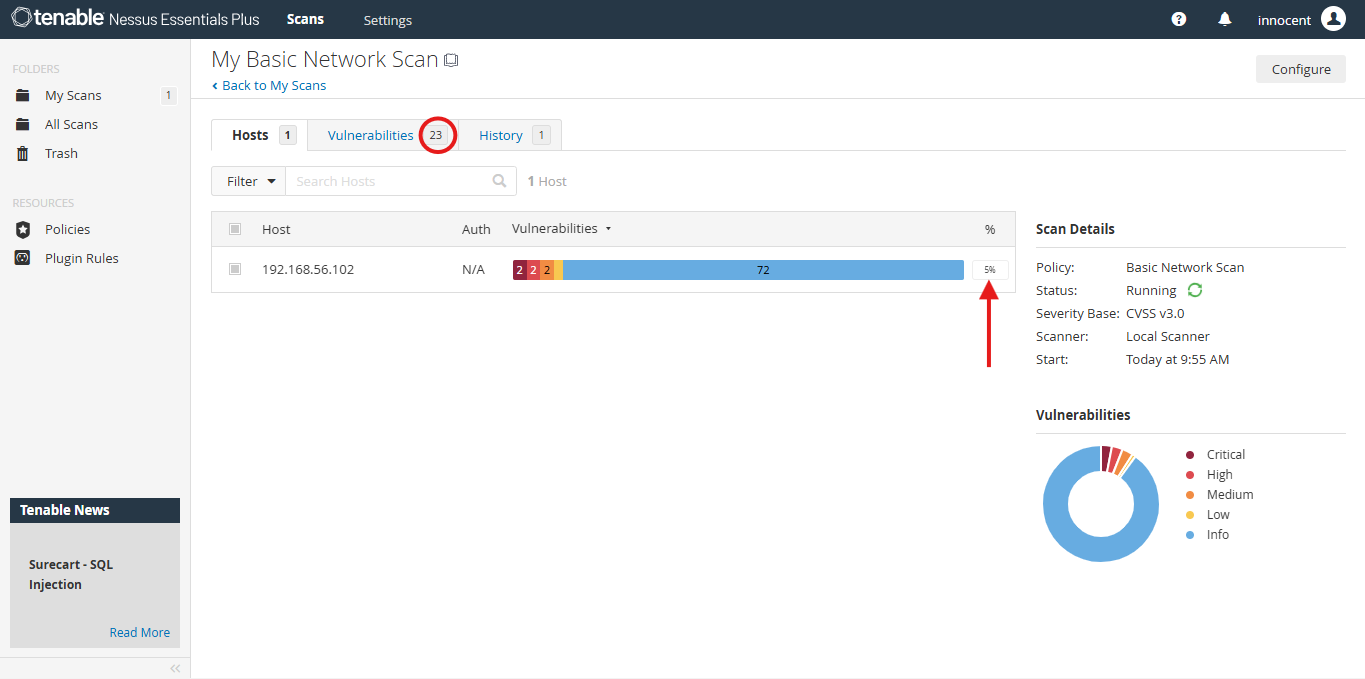
Step 5: Conduct your vulnerability scan using Nessus (image below)
Step 6: Create a comprehensive report using GenAI
Note that you can either use the 30-day trial license or get a free 1-year education license. Your Nessus Essentials license can scan up to 20 IPs.
The full video drops today on YouTube: https://youtube.com/drillerbyte?sub_confirmation=1
5 reactions · 0 comments