Building My Cybersecurity Home Lab with Kali Linux & VirtualBox Completed my Week 1 cybersecurity lab…
HOROIHEOMA C. — Cybersecurity Analyst
Building My Cybersecurity Home Lab with Kali Linux & VirtualBox
Completed my Week 1 cybersecurity lab project at Networkwalks (batch B084)!
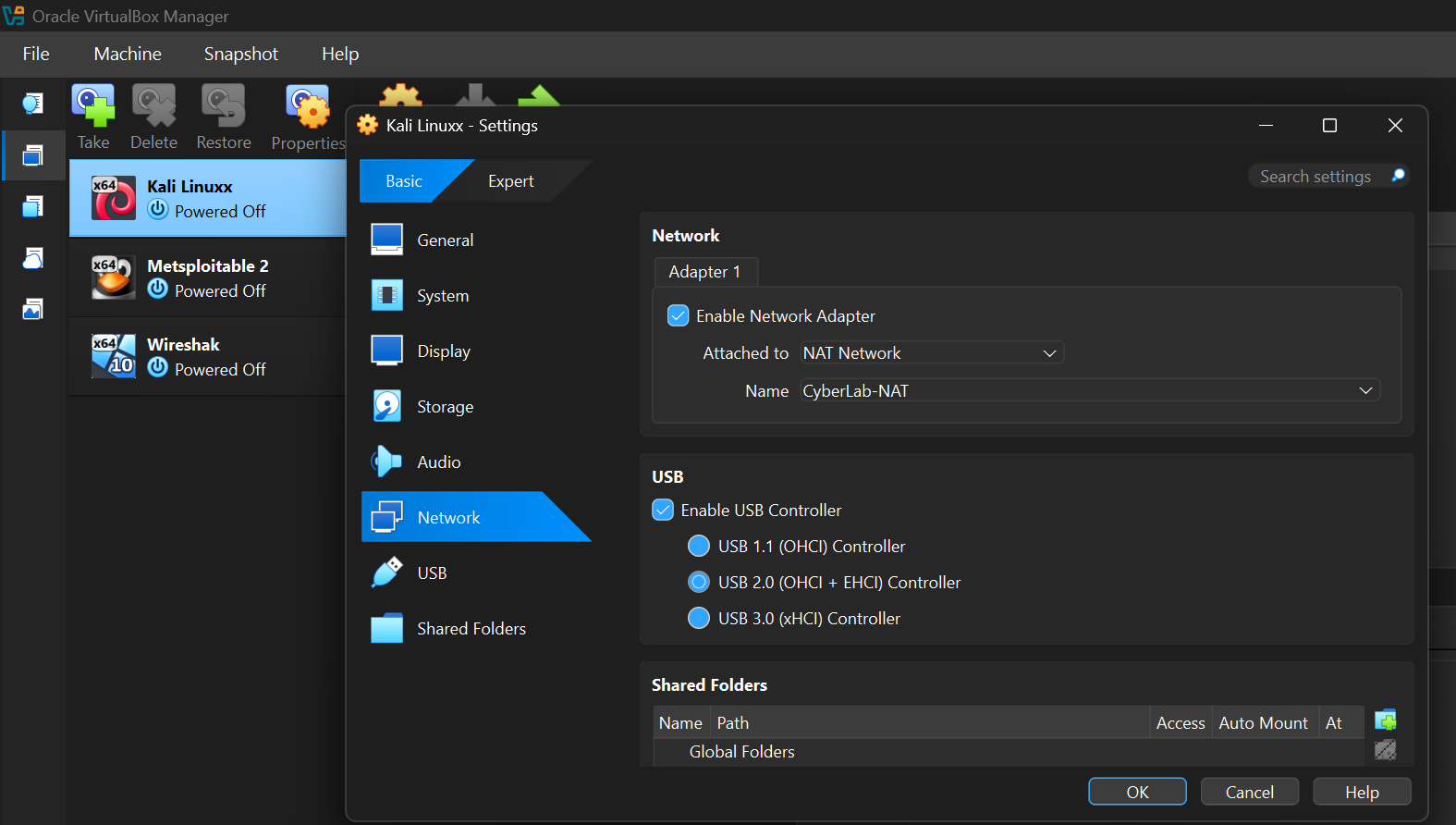
The main challenge was configuring a dedicated NAT Network and static IPV4 address alongside my existing VirtualBox and Kali setup.
Here’s what I accomplished:
Upgraded VirtualBox from 7.2.14 to 7.2.22(latest version)
Configured a private NAT Network using the dedicated network subnet
Assigned Kali Linux a static IP on the dedicated network ,
Configured the gateway and DNS, and verified internet connectivity via ping.
Enabled shared clipboard, drag-and-drop, and a Windows–Kali shared folder.
Used nmcli to manage network settings directly from the terminal.
Took a VM snapshot for recovery.
One key takeaway: many of these configurations can be handled efficiently through the command line on both Windows CMD and Kali Linux.
Every challenge was a learning opportunity, and this project strengthened my practical understanding of Linux networking and virtual lab management.
Special thanks to Waqas Karim (CCIE) and the NETWORKWALKS team for their support and guidance and.
Looking forward to Week 2!
#Cybersecurity #KaliLinux #VirtualBox #LinuxNetworking #HomeLab #SOCAnalyst
4 reactions · 3 comments
Topics: #linuxnetworking, #socanalyst, #kalilinux, #cybersecurity, #homelab, #virtualbox
Comments
HOROIHEOMA C.: GitHub https://github.com/HoroChime/NETWORKWALKS-HOROIHEOMA-B084-WK1-CYBERSECURITY-LAB-SETUP LinkedIn https://www.linkedin.com/feed/update/urn:li:activity:7520995231090077696/