🛡️ Windows Security Fundamentals: Your Learning Roadmap If you're planning a career in Cybersecurity…
SHERIF E. — Cyber Security Analyst
🛡️ Windows Security Fundamentals: Your Learning Roadmap
If you're planning a career in Cybersecurity, mastering Windows is not optional—it's essential.
Since Windows powers the majority of enterprise environments worldwide, understanding its internal architecture and security features provides the foundation for careers in SOC Operations, Blue Teaming, Incident Response, Digital Forensics, and Penetration Testing.
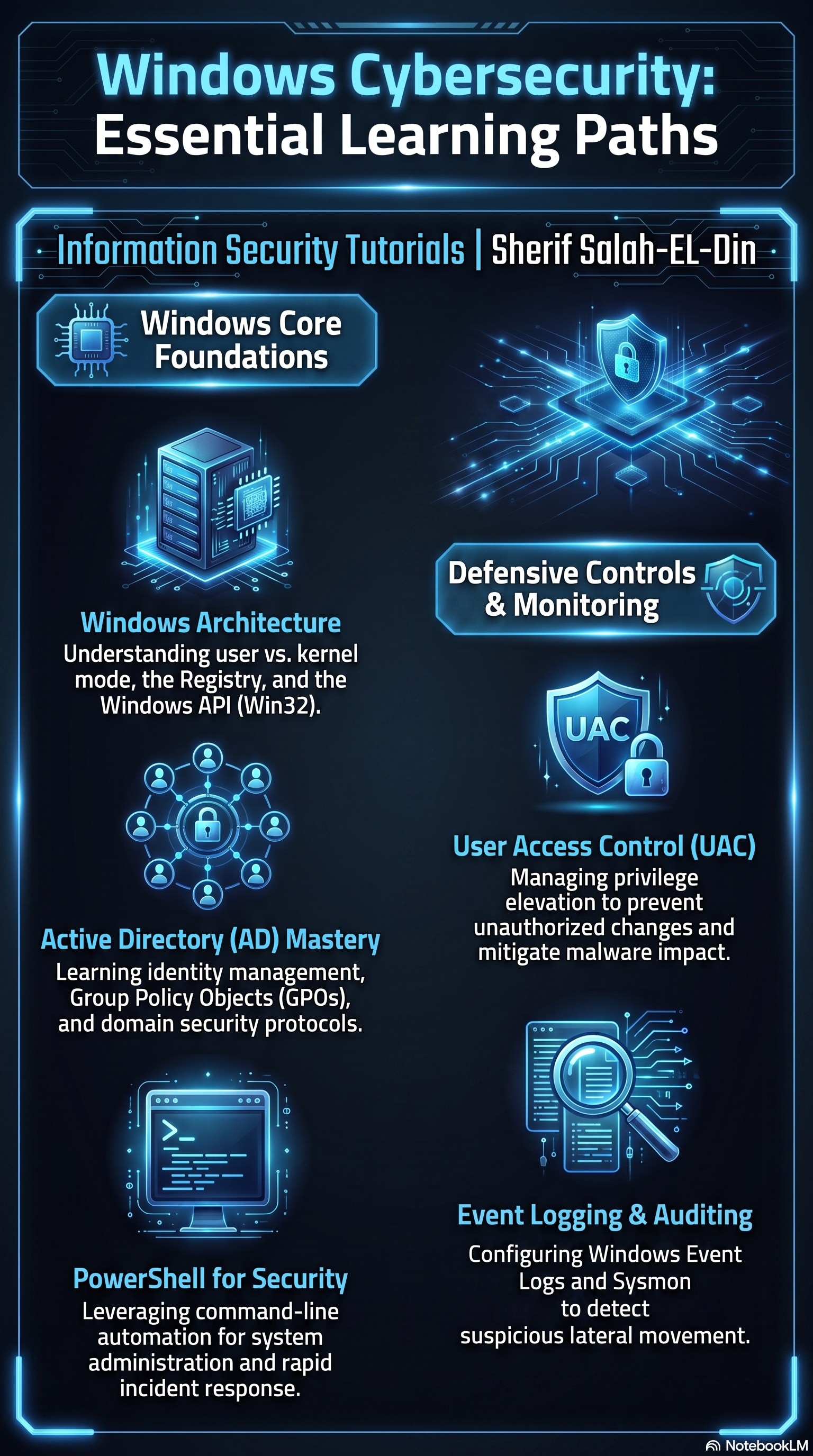
Let's break down the key learning areas featured in this infographic:
🖥️ Windows Architecture
Understanding how Windows operates internally is the first step. Learn the difference between User Mode and Kernel Mode, how the Windows API (Win32) works, and the role of the Windows Registry. This knowledge helps you understand how applications interact with the operating system and how attackers abuse these components.
🏢 Active Directory (AD)
Active Directory is the backbone of identity and access management in most enterprise environments. Learning how users, computers, groups, Group Policy Objects (GPOs), and authentication work is critical for both defending and assessing Windows networks.
💻 PowerShell
PowerShell is far more than a command-line interface—it's a powerful automation and administration framework. Security professionals use it for automation, system administration, threat hunting, and incident response, while attackers frequently abuse it during post-exploitation. Understanding PowerShell is essential for both offensive and defensive security.
🔐 User Account Control (UAC)
UAC helps reduce unauthorized changes by requiring elevation for administrative actions. Learning how UAC works allows defenders to better protect systems and helps security professionals understand common privilege escalation techniques and mitigation strategies.
📊 Event Logging
Windows Event Logs provide valuable forensic evidence about system activity, authentication events, process execution, and security incidents. Proper logging and log analysis are fundamental skills for threat detection, investigations, and incident response.
👁️ Security Monitoring
Monitoring systems for suspicious activity is a core responsibility of every security team. Combining Windows logs, endpoint telemetry, and security tools enables organizations to detect attacks early and respond before they escalate.
🎯 Final Thoughts
These topics are not isolated—they work together to form the core knowledge required for anyone pursuing a career in Windows security.
Whether you're preparing for a role in a SOC, Blue Team, Incident Response, or Penetration Testing, investing time in these fundamentals will significantly strengthen your technical skills.
📌 Follow Information Security Tutorials for practical cybersecurity guides, learning roadmaps, hands-on labs, and technical content designed to help you build real-world security expertise.
#CyberSecurity #WindowsSecurity #BlueTeam #SOC #ActiveDirectory #PowerShell #IncidentResponse #ThreatDetection #InformationSecurity #InfoSec #Windows #LearningPath #SecurityOperations #CyberDefense
1 reactions · 0 comments
Topics: #blueteam, #informationsecurity, #learningpath, #infosec, #incidentresponse, #windows, #securityoperations, #cyberdefense, #powershell, #cybersecurity